Build a Game Inside PowerPoint — with AI用 AI 在 PowerPoint 裡做一個遊戲
Not a quiz — a real game. An escape room, a branching adventure, a quiz board your class plays in teams. The whole secret is two things you already have: slides and links between them. AI writes the questions, designs the slides, and maps out the paths. You'll see a ready-to-play English game you can download today.
a Why PowerPoint games are just slides + hyperlinksa 為什麼簡報遊戲其實就是「投影片+超連結」
b Which game types work beautifully — and which don'tb 哪些遊戲類型做起來很漂亮、哪些不適合
c How to have AI design and build the game for youc 怎麼讓 AI 幫你設計並做出這個遊戲
d The one click-skill you need: linking a button to a slided 你唯一要會的小技巧:把按鈕連到某張投影片
The big idea核心觀念
A game is just slides that jump to each other遊戲,就是會互相跳轉的投影片
In a normal slideshow, slide 1 goes to slide 2 goes to slide 3. In a game, a slide asks a question, and each answer jumps somewhere different. Right answer? Jump forward. Wrong answer? Jump to a "locked" slide. That branching is the entire trick.一般簡報是第 1 頁到第 2 頁、第 2 頁到第 3 頁。在遊戲裡,一張投影片問一個問題,而每個答案跳到不同的地方。答對?往前跳。答錯?跳到「上鎖」那頁。這個「分支」就是全部的祕訣。
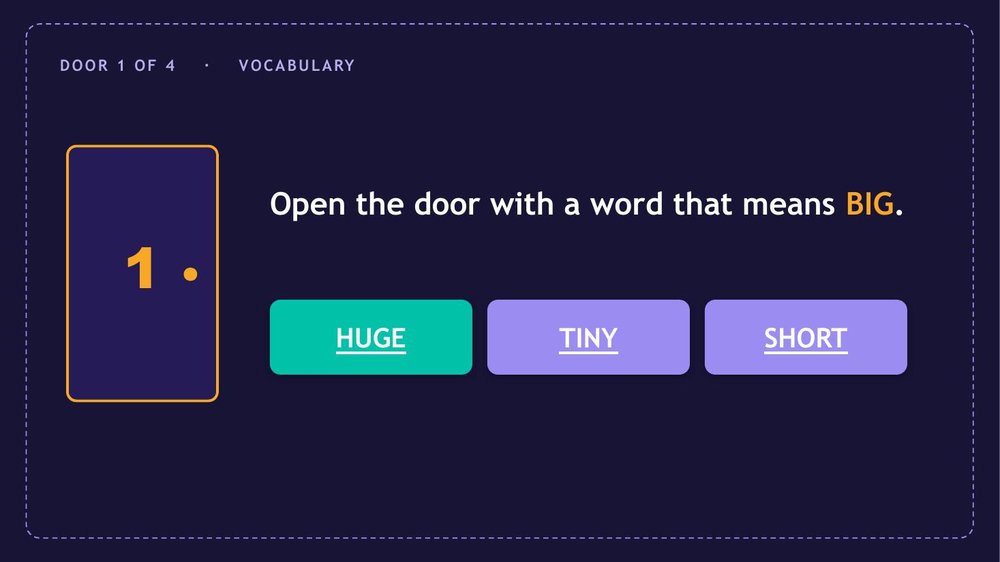
A slide asks一張投影片發問"Which word means BIG?"「哪個字是 BIG 的意思?」
Right answer答對的按鈕links forward → next door.連到下一關 → 下一道門。
Wrong answer答錯的按鈕links to a "locked" slide → try again.連到「上鎖」頁 → 再試一次。
Because students click buttons to move (instead of pressing the arrow key), the game runs in Slide Show mode on any computer — no add-ons, no internet, nothing to install.因為學生是用點按鈕來前進(而不是按方向鍵),這個遊戲在任何電腦的播放模式下都能跑——不用外掛、不用網路、不用安裝任何東西。
Pick the right game挑對遊戲類型
What PowerPoint does brilliantly — and what it doesn'tPowerPoint 很拿手的 vs 不拿手的
Branching and navigation are PowerPoint's superpower. Live scoring and dragging things around are not. Choose a game built on jumping between slides and you'll have a great time.「分支」和「導覽」是 PowerPoint 的超能力;「即時計分」和「拖來拖去」則不是。選一個靠「投影片跳轉」的遊戲,就會很順。
Branching adventure — your choices change the story分支冒險——你的選擇改變劇情
Quiz board (Jeopardy) — pick a tile, win points in teams搶答盤(Jeopardy)——點格子、分組搶分
Board game — land on a space, do the task大富翁式棋盤——走到格子、完成任務
Reveal & memory — click cards to flip them翻牌記憶——點卡片翻面
Better as a web page改用網頁更好
Needs scoring, dragging, or saving要計分、拖放、或存檔的
Drag-and-drop sorting in play mode播放模式下的拖放分類
Live score counters & leaderboards即時計分與排行榜
Timers that change the score會影響分數的計時器
Saving results to a sheet把結果存進表單
These need fragile macros in PowerPoint. Make them as a web page instead — see Interactive Games and Lesson 5.這些在 PowerPoint 要靠脆弱的巨集。改做成網頁更好——見互動遊戲與第五課。
Make it with AI用 AI 做出來
Two ways to let AI do the heavy lifting讓 AI 出力的兩種方式
However you work, AI writes every question, the wrong-answer traps, and the design. The only thing a human decides is the shape of the game.不管用哪種方式,每一題、每個陷阱選項、每張版面都由 AI 寫。人要決定的只有「遊戲的樣子」。
Way 1 · No code方式一 · 不寫程式
AI plans it, you click the links inAI 規劃,你把連結點上去
Ask any AI (Gemini, Claude) for a slide-by-slide game plan: what's on each slide, and which button links to which slide. Build the slides, then add the links yourself — it's one easy menu (Part D below).請任何 AI(Gemini、Claude)給你一份「逐頁遊戲企劃」:每張投影片放什麼、哪個按鈕連到哪張。把投影片做好,再自己把連結加上去——就是一個簡單的選單(下面 Part D)。
Way 2 · Agent方式二 · 代理人
AI builds the whole .pptx for youAI 直接做出整個 .pptx
An agent like Claude Code can generate the finished PowerPoint file — links and all — that you just open and play. That's exactly how the example below was made. More power, a little more setup (Lesson 2).像 Claude Code 這種代理人可以直接產出做好的 PowerPoint 檔——連結全都接好——你打開就能玩。下面那個範例就是這樣做出來的。更強大,但要多一點設定(第二課)。
Copy-and-paste prompt — ask for the game plan可複製的提示詞——請 AI 給你遊戲企劃
Design an English-learning escape-room game in PowerPoint
for [grade / level] students, on the topic [vocabulary / tenses / …].

- [4] "doors", each a different English skill.
- Each door slide: a clue + 3 answer buttons.
- The right button jumps to the NEXT door; wrong buttons jump to a
  "Locked — try again" slide that returns to the same door.
- A start slide and a "You escaped!" winner slide.

Give me a slide-by-slide map: for every slide, the text on it and
exactly which slide each button should link to. Keep the English
simple and the design colourful.
Part D · The one click-skill: link a button to a slidePart D · 唯一的小技巧:把按鈕連到投影片
This is the only "new" thing to learn, and it takes ten seconds per button:這是唯一要學的「新東西」,每個按鈕只花十秒:
Click the button (or shape) once to select it點一下按鈕(或圖形)選取它The shape AI made for "HUGE", for example.例如 AI 做的那個「HUGE」按鈕。
Go to Insert → Link (or right-click → Link)點 插入 → 連結(或在按鈕上按右鍵 → 連結)A small window opens.會跳出一個小視窗。
Choose Place in This Document選 這份文件中的位置It lists every slide. Pick the slide this button should jump to — then OK.它會列出每一張投影片。選這個按鈕該跳到的那一張——然後按確定。
Repeat for each button, then press Play每個按鈕重複一次,然後按播放In Slide Show mode, clicking a button now jumps to its slide. Your game is alive.在播放模式下,點按鈕就會跳到對應的投影片。你的遊戲活了。
PowerPoint · Insert Hyperlink
Place in This Document
Select a place in this document — Slides選擇這份文件中的位置 — 投影片
3Door 1 — Vocabulary
4Locked — try again
5Door 2 — Grammar ✓
7Door 3 — Prepositions
11You escaped!
OK
Select the button → Insert → Link → Place in This Document → pick the slide. That's the whole skill.選按鈕 → 插入 → 連結 → 這份文件中的位置 → 選投影片。技巧就這樣。
See a real one看一個真的
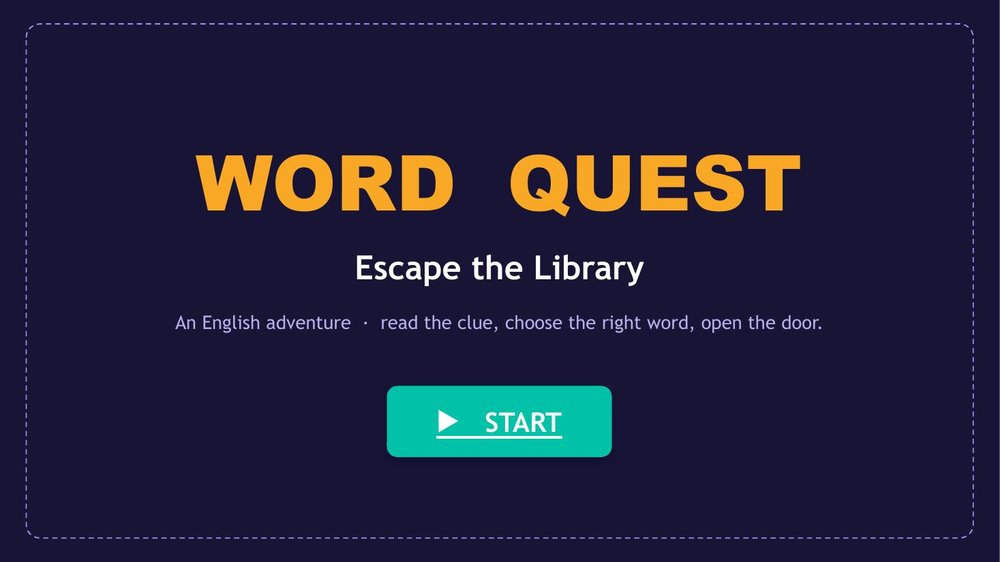
"Word Quest" — an English escape room「Word Quest」——英文密室逃脫
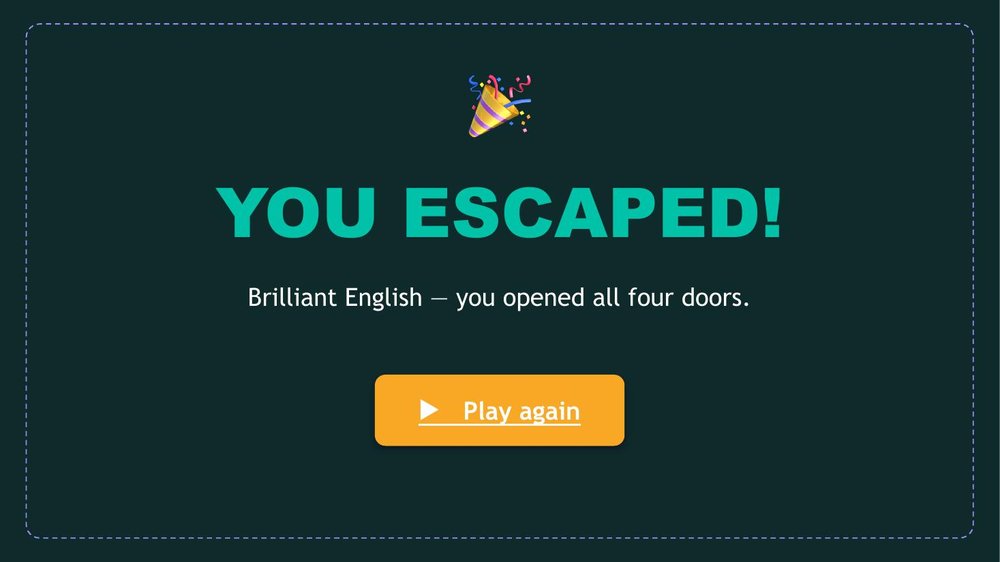
Here's a finished game an agent built — eleven slides, four doors, all clickable. Students read an English clue, choose a word, and an open door takes them forward. A wrong choice locks them out until they try again. Open it, press Play, and click.這是一個由代理人做好的遊戲——11 張投影片、4 道門,全部可點。學生讀英文線索、選一個字,門開了就前進;選錯就鎖住,直到再試一次。打開它、按播放、開始點。
Start screen開始畫面A door: pick the word for BIG一道門:選 BIG 的同義字Escape and win逃脫成功
Download Word Quest (.pptx)下載 Word Quest(.pptx)Open it, press Play, and click the answers. Swap in your own words to reuse it.打開、按播放、點答案。把文字換成你的單字就能重複使用。
Make it yours.改成你的。 Keep the structure, just change the words: your unit's vocabulary, your grammar point, your reading text. The links keep working — you only edited the text on the slides. 保留結構,只換文字:你這個單元的單字、你要教的文法、你的閱讀課文。連結照樣運作——你只改了投影片上的文字而已。
Make it visual加上圖片
Pictures make a game — and AI draws them too圖片讓遊戲活起來——而插畫 AI 也能畫
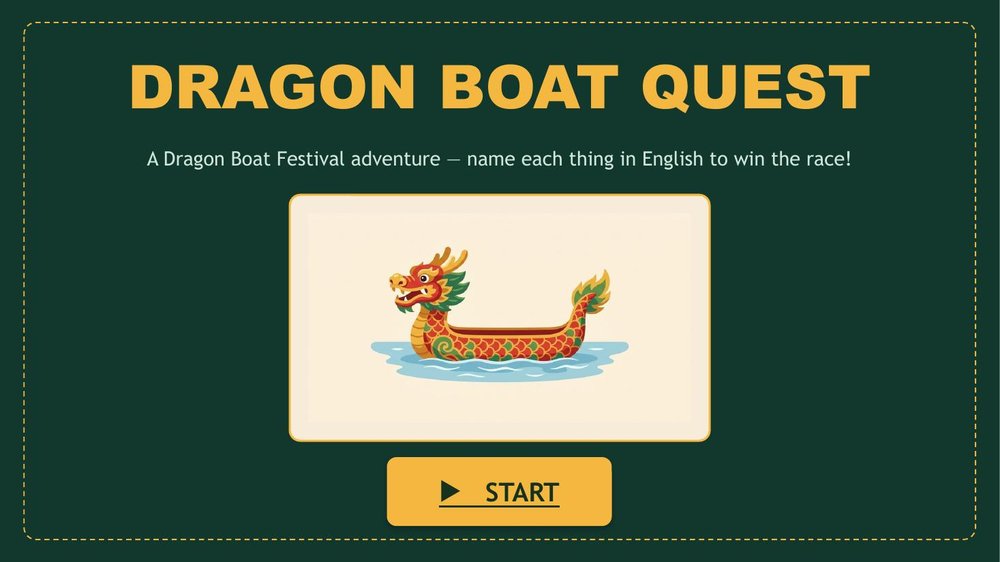
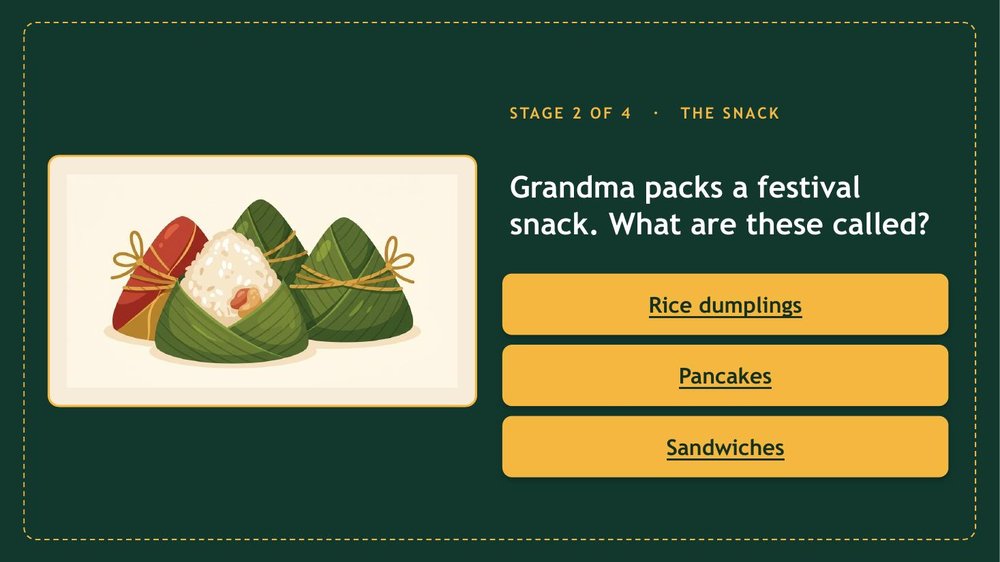
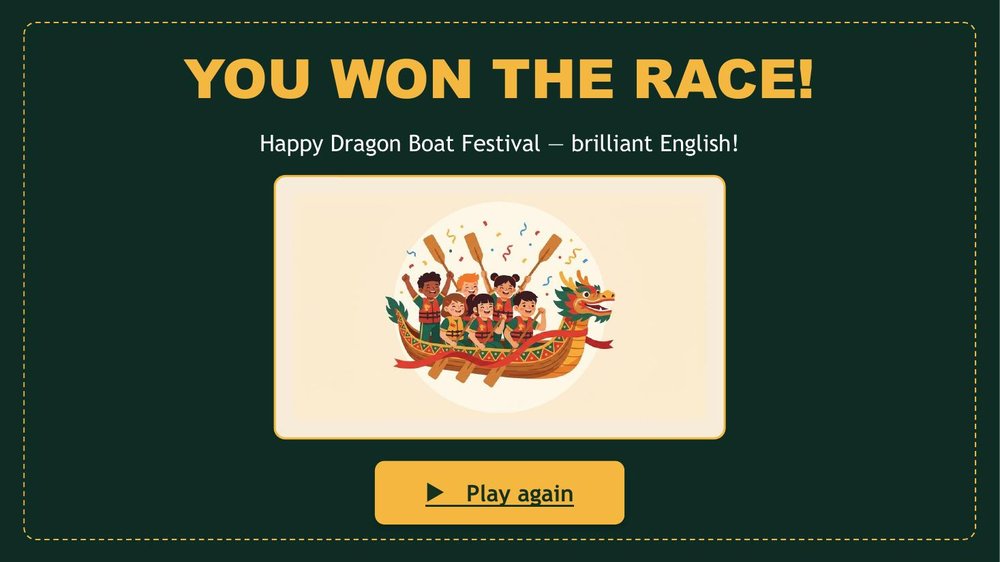
A wall of words is forgettable; a picture pulls students in. The same AI that writes your questions can illustrate them — ask for one consistent style and drop the pictures onto your slides. Here's a second example: a Dragon Boat Festival game where every stage shows an illustration and you name it in English.一整片文字很容易忘;一張圖卻能把學生吸進去。幫你寫題目的同一個 AI 也能幫你畫插圖——指定一種一致的風格,再把圖放進投影片就好。這是第二個範例:一個端午節遊戲,每一關都有插畫,你用英文說出它的名字。
Festive title節慶標題Name the picture in English看圖說英文Win the race贏得比賽
Prompt — ask AI for matching illustrations提示詞——請 AI 畫一組同風格插圖
Draw a set of illustrations for a Dragon Boat Festival game:
a dragon boat, rice dumplings (zongzi), a drum, a paddle.
Use ONE consistent style for all of them: flat, friendly, colourful
children's-book vector art, on a plain cream background, no text.
Download the Dragon Boat game (.pptx)下載端午節遊戲(.pptx)Four illustrated stages — dragon boat, rice dumplings, drum, paddle. Swap in your own unit's words and pictures.四關插畫——龍舟、粽子、鼓、槳。換成你這個單元的單字和圖片就行。
Tip:小提醒: ask for a plain background so each picture drops cleanly onto a slide, and keep all the answer buttons the same colour — so students read the words, not the colours. 請 AI 用單純的背景,圖片才能乾淨地放上投影片;並讓所有答案按鈕同一個顏色——這樣學生是在讀字,而不是看顏色猜答案。
Any computer with PowerPoint, offline.任何有 PowerPoint 的電腦,離線可用。
Any browser, by a link — phones too.任何瀏覽器、一個連結——手機也行。
On the projector投影到大螢幕
Perfect — already a slideshow.完美——它本來就是簡報。
Fine, full-screen in the browser.也行,瀏覽器全螢幕。
Share with students分享給學生
Send the file (or play together in class).傳檔案(或全班一起玩)。
Send a link — nothing to download.傳一個連結——不用下載。
My rule: a whole-class game on the projector, or a story with choices? PowerPoint. Something students play alone, with a score that saves? A web page (Lesson 5).我的原則:全班一起在投影幕上玩、或有選擇的故事?用 PowerPoint。學生各自玩、分數要存下來的?用網頁(第五課)。
FAQ
Common questions常見問題
The arrow key skips ahead按方向鍵會亂跳
In PowerPoint, set transitions to "On Mouse Click: off" so only the buttons move the game. AI can note this in the plan.